
Download Inkpop – Free YA Writing Community, Share, Get Feedback
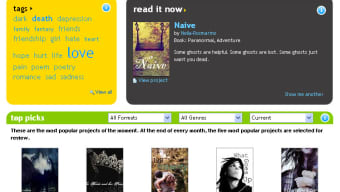
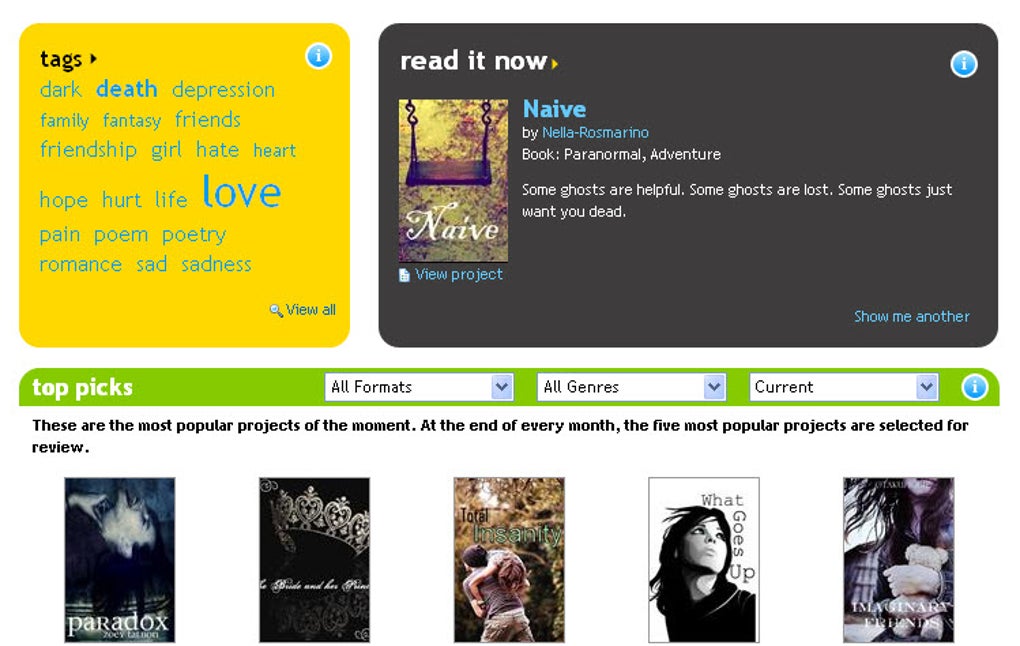
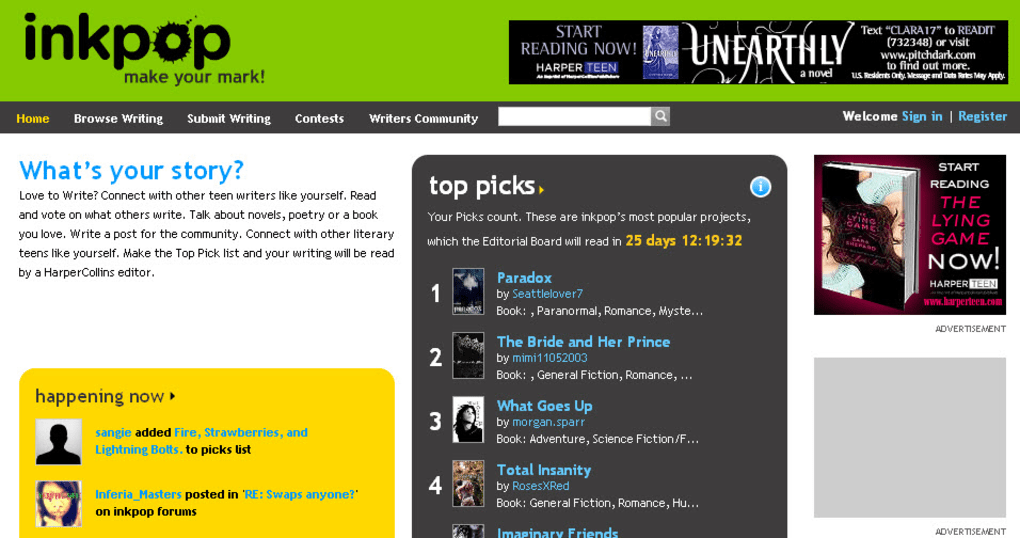
Inkpop is a niche‑focused platform that lets teenage and emerging writers showcase their Young Adult (YA) manuscripts, short stories, and poetry to a lively community of peers and industry professionals. Launched by HarperCollins, the same publisher behind the well‑known Authonomy site, Inkpop combines the excitement of a social reading network with the concrete possibility of catching the eye of a real editor. Users can upload full‑length novels (minimum 10,000 words), shorter fiction, or any length of poetry.
Once a work is live, writers can introduce themselves on the message boards, browse
other submissions, and “back” stories they enjoy – a mechanism that boosts a work’s
ranking on the site. The ultimate incentive is the monthly top‑five leaderboard: the
five most backed titles are forwarded to a HarperCollins editor for professional
feedback, offering a rare foot‑in‑the‑door for unpublished talent.
For writers who are hesitant to submit directly to agents or publishing houses,
Inkpop offers a low‑risk, high‑visibility environment.
The community is populated by other YA enthusiasts, so feedback tends to be constructive, genre‑aware, and often actionable. While the platform’s ranking system can be gamed through reciprocal backing requests, the overall experience remains valuable for those seeking to test their voice, refine their craft, and build a modest readership before pursuing a traditional publishing route.
Key Features of Inkpop
- Free Registration & Upload: No hidden fees; writers can create an account and post works without paying a subscription.
- Genre‑Specific Community: Focused exclusively on YA fiction, short stories, and poetry, attracting readers and writers with aligned interests.
- Back‑ing System: Users can “back” pieces they like, influencing rankings and increasing the chance of editorial review.
- Message Boards & Direct Interaction: Built‑in forums let authors discuss their work, ask for advice, and network with peers.
- Personal Bookshelf: Readers can save titles for later reading, creating a curated list of promising YA manuscripts.
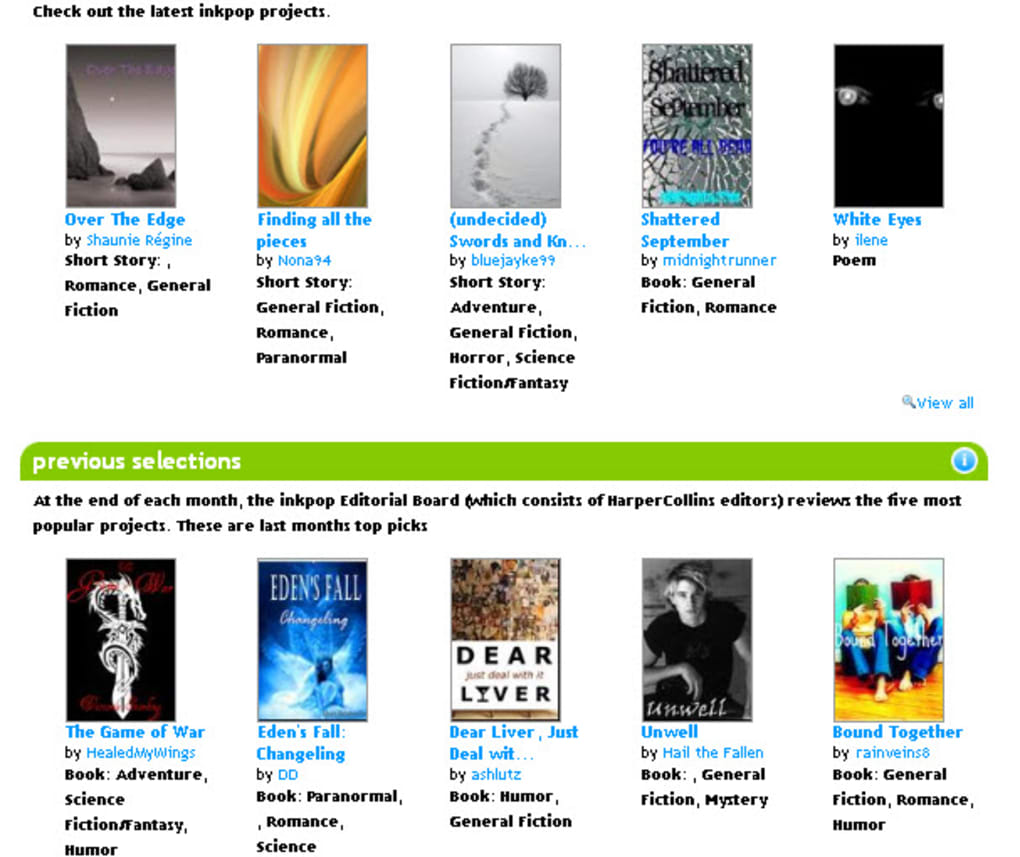
- Monthly Top‑Five Spotlight: The five most backed works each month are sent to a HarperCollins editor for professional feedback.
- Flexible Upload Options: Full novels (10,000+ words) or shorter pieces can be posted, with the ability to split longer works into multiple chapters.
- Search & Filter Tools: Advanced filters let users discover stories by word count, genre sub‑category, or popularity.
- Secure Cloud Storage: All submissions are stored on HarperCollins’ secure servers, ensuring authors retain control over their content.
- Responsive Design: The site works smoothly on desktop browsers and mobile devices, making it easy to read and comment on the go.
How to Install, Register, and Use Inkpop (Windows, macOS, Android & iOS)
Inkpop is a web‑based application, which means you don’t need to download a traditional desktop client for Windows or macOS. The platform runs efficiently in any modern browser (Chrome, Firefox, Safari, Edge) on Windows 10/11, macOS 10.15+, as well as on Android and iOS devices through the mobile‑optimized site. For users who prefer a dedicated app experience, Inkpop offers lightweight native wrappers for Android (APK) and iOS (App Store) that simply launch the web interface within a secure container.
Step‑by‑step setup:
- Create an account: Visit inkpop.com, click “Sign Up,” and fill in your email, a unique username, and a password. A verification email will be sent; confirm it to activate your profile.
- Complete your author profile: Add a short bio, a profile picture, and any social media links you wish to share. A well‑filled profile increases credibility and encourages other users to back your work.
- Upload your manuscript: From the dashboard, select “Upload New Work.”
Choose the appropriate file type (DOCX, PDF, or plain text), enter a title, a brief
synopsis (max 300 characters), and set the word count.
Remember, full novels must be at least 10,000 words; shorter pieces have no minimum.
- Set visibility options: You can make your work public immediately, or keep it private and share a direct link with trusted readers for early feedback.
- Engage with the community: Browse the “Explore” tab to discover other YA stories. Use the “Back” button on works you enjoy, leave comments on the message boards, and reply to any feedback you receive on your own submissions.
- Track your ranking: The “Leaderboard” page shows your current position. Aim for the top five to qualify for HarperCollins editorial review.
The mobile apps replicate these steps with touch‑friendly navigation, allowing you to upload drafts directly from your phone’s file manager or cloud storage (Google Drive, iCloud, Dropbox). Updates are pushed automatically, so you always have the latest interface and security patches. Because Inkpop is hosted on HarperCollins’ servers, you can trust that your data is encrypted in transit and at rest, meeting industry‑standard privacy expectations.
Pros, Cons, FAQ, and Final Verdict
Pros
- Completely free to join and upload works.
- Targeted YA audience ensures relevant feedback.
- Potential to receive professional editorial comments from HarperCollins.
- Robust community tools (backing, comments, message boards).
- Responsive design works across desktop and mobile platforms.
- Secure storage on a reputable publisher’s infrastructure.
Cons
- Ranking system can be gamed through reciprocal backing requests.
- Minimum 10,000‑word requirement for novels may deter writers with shorter excerpts.
- High volume of back‑ing solicitations can become overwhelming.
- No built‑in analytics for tracking reads or engagement beyond ranking.
- Limited to YA genre; authors outside this niche must look elsewhere.
Frequently Asked Questions
Is Inkpop really free, or are there hidden costs?
Inkpop is completely free to register, upload, and read. There are no subscription fees or hidden charges for using any of the core features.
Can I upload a work that is not yet finished?
Yes. Short stories or poetry of any length can be posted instantly. For full novels, the platform requires at least 10,000 words, but you can upload incomplete drafts as separate short‑story entries.
How does the “back” system affect my ranking?
Each time a user backs your work, it adds a point toward your total ranking score. The more backs you receive, the higher you climb on the monthly leaderboard, increasing the chance of editorial review.
What kind of feedback can I expect from HarperCollins editors?
If your title lands in the top five, a HarperCollins editor will provide a written critique covering plot structure, character development, pacing, and market suitability. The feedback is professional but not a guarantee of a publishing contract.
Is my manuscript safe from plagiarism on Inkpop?
Inkpop stores all submissions on secure HarperCollins servers with encryption. While no system can be 100 % immune to misuse, the platform’s terms of service strictly prohibit copying or redistributing posted works.
Final Verdict & Call to Action
Inkpop delivers a vibrant, genre‑focused ecosystem for aspiring YA writers who crave exposure, community interaction, and the tantalizing possibility of professional editorial feedback. The free‑to‑use model, combined with HarperCollins’ backing, makes it a unique launchpad compared with generic self‑publishing platforms. While the backing system can feel a bit gamified and the novel length requirement may limit some users, the overall experience outweighs these drawbacks for writers eager to test their work in a supportive environment.
If you’re a teenage author or a young adult enthusiast looking to share your voice, download Inkpop today, set up your profile, and start uploading. The community is waiting, and the next HarperCollins editor could be just a few backs away from reading your story.



.png)



